
SwiftUI chat app development: real-time that feels native.
We develop native SwiftUI chat apps and chat modules: instant delivery, smooth scrolling, push that arrives. As a standalone messenger or inside your existing iPhone, iPad and Mac app.
Native live sync
URLSessionWebSocketTask with async/await or CloudKit subscriptions; messages appear instantly on iPhone, iPad and Mac.
APNs push
Delivery via Apple's push service with Notification Service Extension, badges and deep links into the conversation.
One Apple codebase
A messaging app for iOS, iPad and Mac from one SwiftUI project, plus widgets and Apple Watch.










See what we build.
Two players, one iPhone
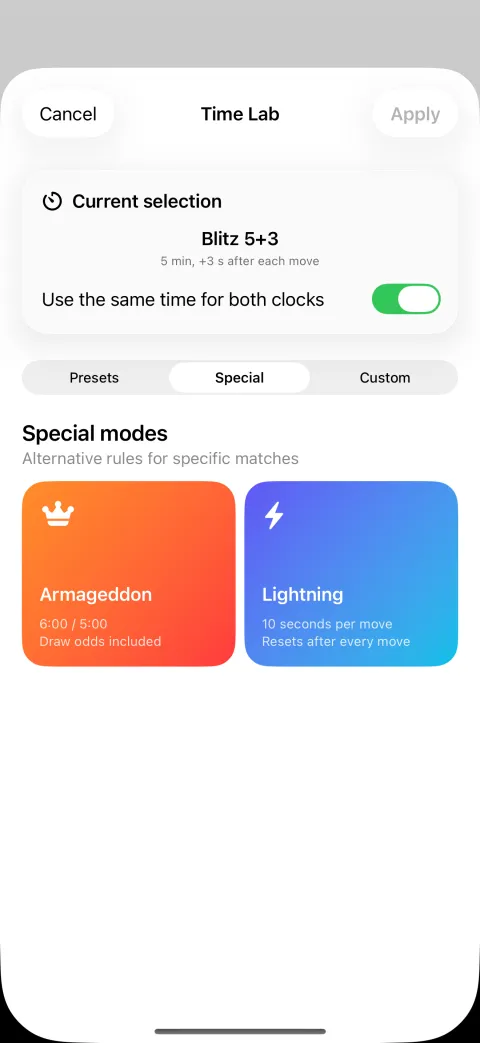
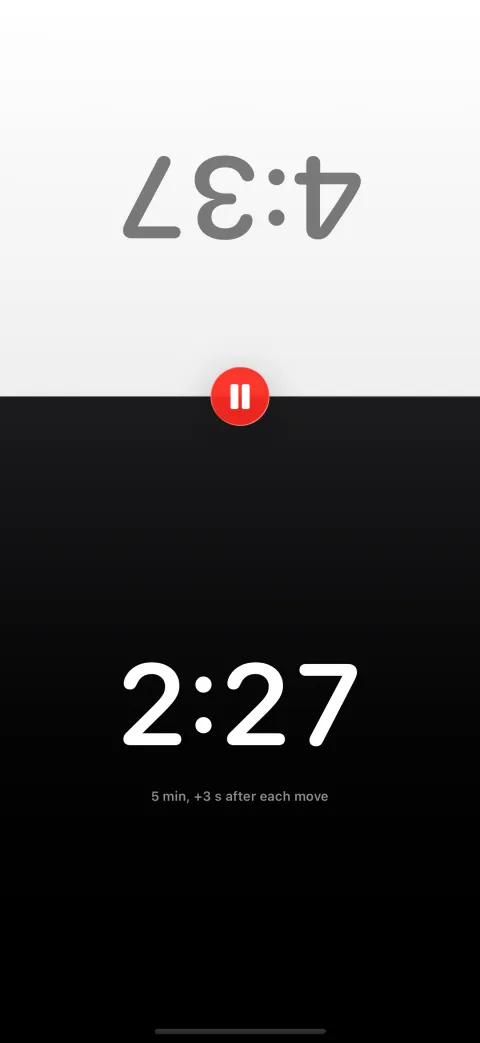
Split screen with a mirrored opponent side, large digits and one-tap pause. Native SwiftUI, works offline, live on the App Store.

iOS chat app development with SwiftUI: the feature set.
-
1:1 and group chats with media
Direct messages, groups with roles, read and delivery receipts, typing indicators, media with previews, full-text search and archiving of long histories.
-
Push and Live Activities that arrive
Without reliable notifications every chat dies. We set up APNs with a Notification Service Extension and background delivery; conversations appear as a Live Activity on the Lock Screen.
-
Offline queue and live architecture
Subway or dead zone: our chats buffer messages locally in SwiftData and sync after reconnect. Live updates run over async/await streams, not polling.
More on this
Polling, missing buffering and race conditions make a chat feel broken once more than ten people write. Smooth scrolling through thousands of messages needs LazyVStack and stable cell identity.
-
Backend and privacy by use case
CloudKit, Firebase or your own stack, depending on the case. Reporting, blocking, deletion concepts and EU hosting or iCloud are planned in, with optional end-to-end encryption.
More on this
SwiftUI runs on Apple platforms only, so it produces no Android app. If you need iOS and Android from one codebase, we recommend Flutter or React Native.
Chat project stalling or starting?
A short conversation about your architecture clarifies more than weeks of research. You get concrete answers, no obligation.
Test our work on the App Store.
 Chess Clock · Blitz Timer
Chess Clock is our own SwiftUI app: a chess clock with Fischer, Bronstein and delay increments, tournament time controls and Live Activities on the Lock Screen. One Swift codebase for iPhone, iPad, Mac, Apple Watch, Apple TV and Vision Pro, works offline, no account required, live on the App Store.
 Byoyomi Timer · Go game clock
Our second SwiftUI app: a game clock for Go with Japanese byo-yomi, Canadian overtime, Fischer bonus and more time systems, voice countdown in multiple languages and Live Activities on the Lock Screen. For iPhone and iPad, works fully offline, no account required.
Frequently asked questions about SwiftUI chat apps.
Can't I just build a chat app myself with AI?
For a prototype, yes. For a chat that reliably handles live delivery, offline cases, push and moderation, rarely. AI produces Swift code but no live architecture. We work AI-assisted ourselves, backed by our own apps in the store.
Is SwiftUI a good fit for chat apps?
Yes, when the focus is on Apple devices. SwiftUI renders long message lists smoothly, live streams are modelled with async/await, and Live Activities and Handoff come out of the box.
CloudKit, Firebase or a custom backend?
CloudKit needs no server of your own and includes iCloud sign-in and push. Firebase delivers live sync, auth and push cross-platform. A custom stack with Vapor or Node.js gives full data and cost control.
Can you add chat to our existing iOS app?
Yes, as a module with its own screen flow on your user management; in a UIKit app we embed SwiftUI views via UIHostingController. Existing chat data is migrated as a separate step.
How much does a SwiftUI chat app cost, and how long does it take?
A 1:1 chat with APNs push is manageable; groups, media and moderation extend the effort predictably. The core with send, receive and push runs first. The estimate after the first call includes ongoing backend costs.
Your chat app, built natively.
Describe your use case. You get an architecture recommendation and an effort estimate.
Request a chat project.
Briefly outline your use case and we reply with an assessment of architecture and effort.
We usually reply within 24 hours.
Remote and on site in Germany, Austria and Switzerland. International projects on request.