
React Native desktop app development for Windows and macOS.
React Native desktop app development with Microsoft's official extension for Windows and macOS: your React and TypeScript base becomes a desktop application, no second tech stack. Where this choice holds up, we say before the quote.
RN for Windows + macOS
Microsoft's official desktop extension, publicly documented in use inside Office.
One React codebase
Your React and TypeScript team builds the desktop too, with no separate stack.
Windows is the most mature
The macOS variant is official but smaller. For Mac-only projects we weigh SwiftUI as well.












See what we build.
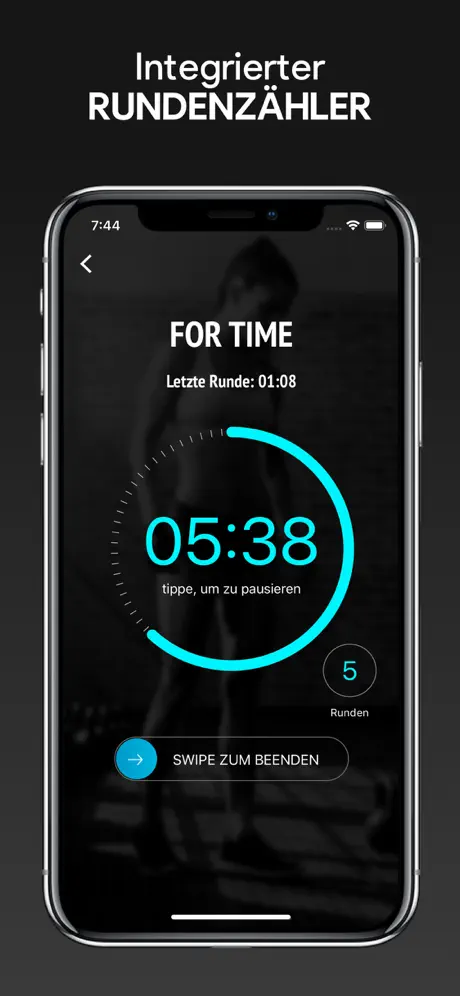
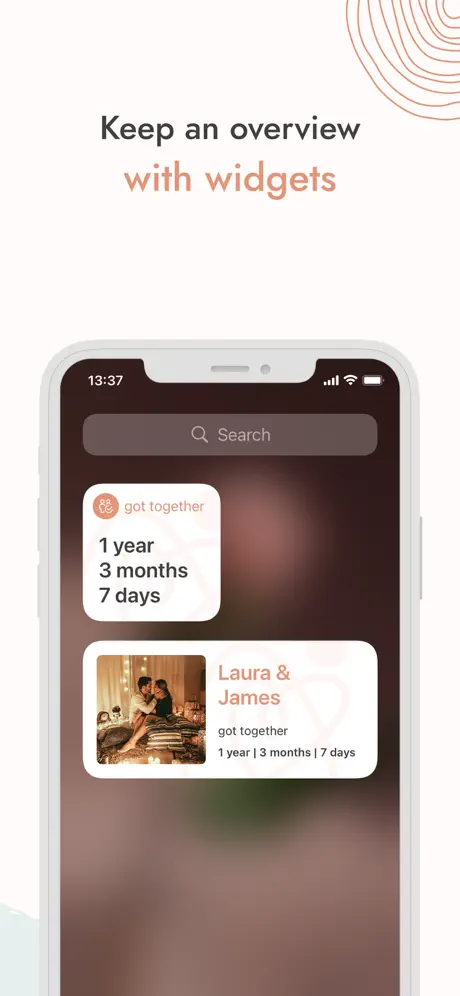
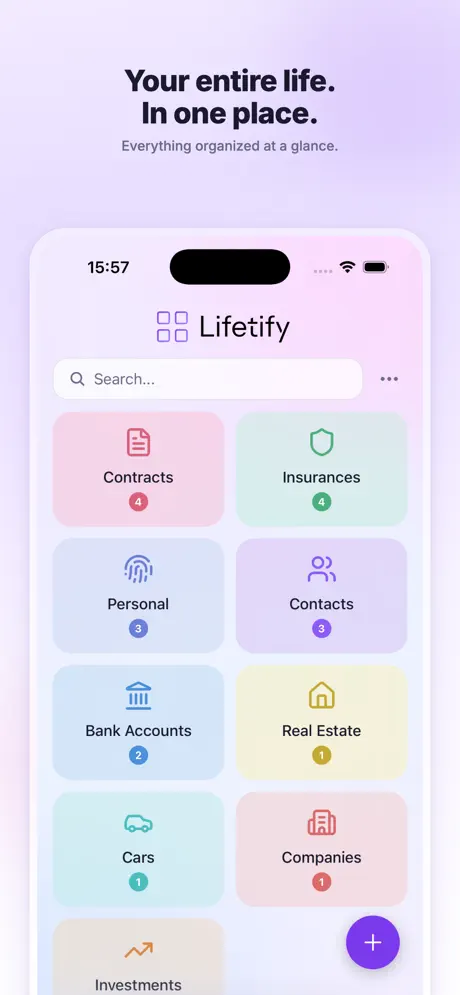
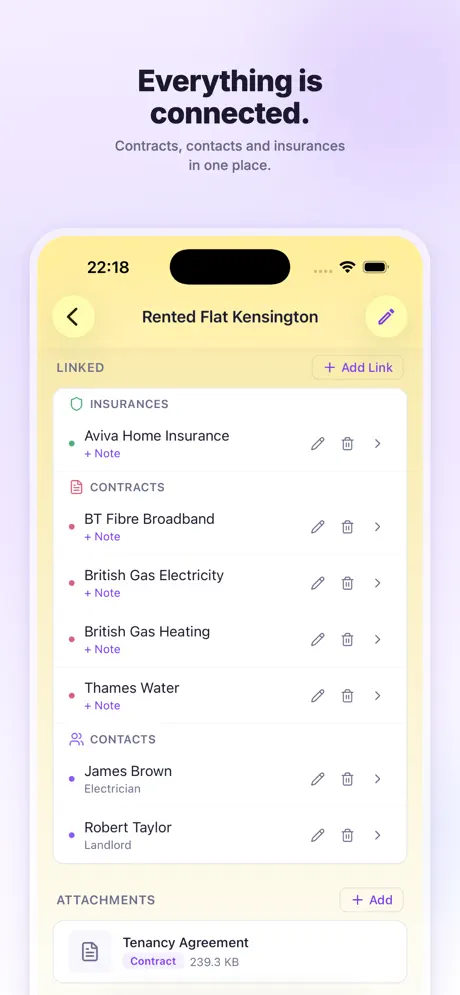
Screenshots from React Native apps we develop and run with our partners.
Workouts from your equipment
Pick your equipment, generate a workout: SmartWOD creates functional fitness workouts from what you actually have. Built in React Native for iOS and Android.
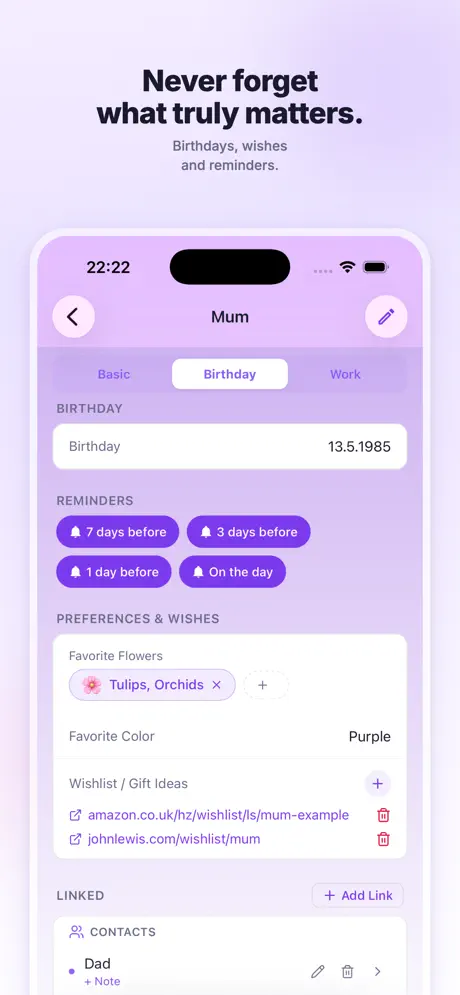
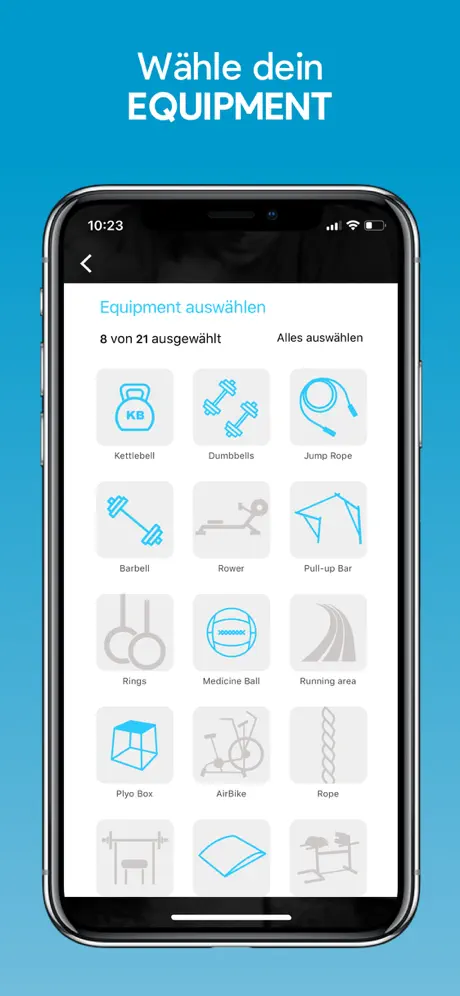
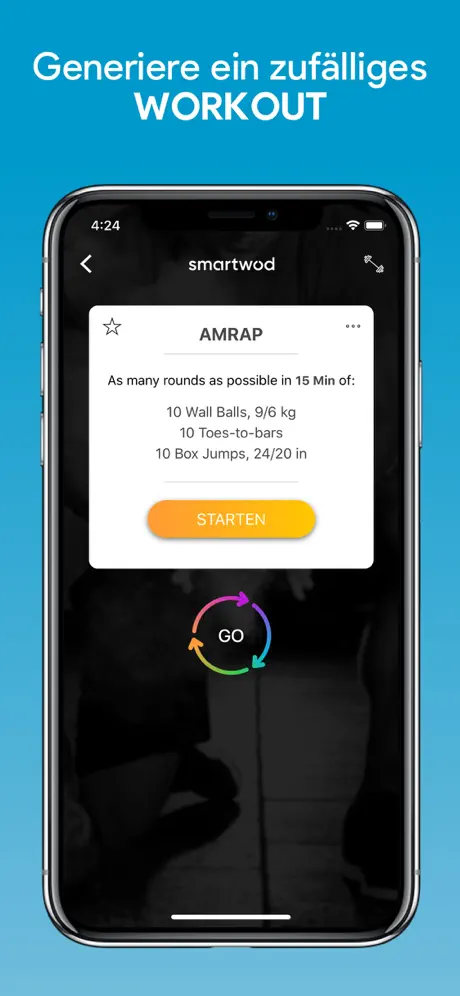

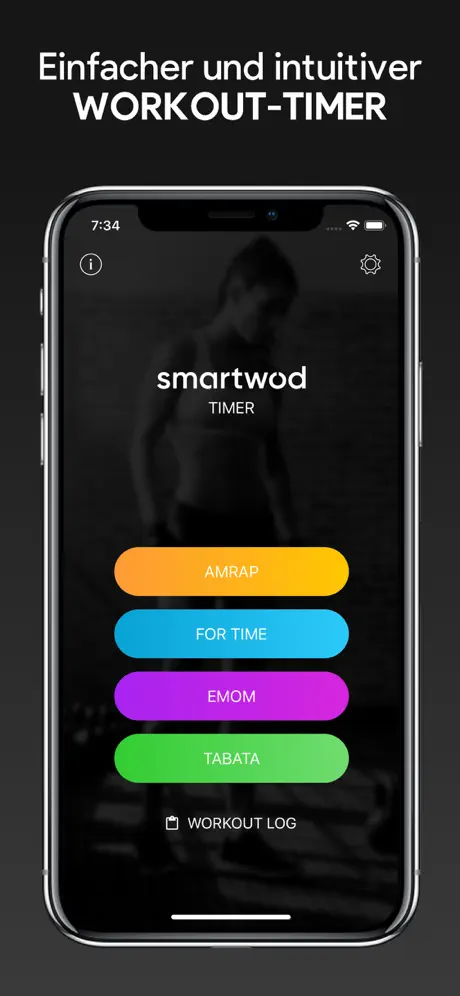


What React Native is well suited for on the desktop.
-
Companion desktop to a mobile app
Already have a React Native app? The desktop shares business logic, data models and many components; only layouts and interaction adapt to mouse and keyboard.
-
Internal line-of-business apps and dashboards
Order processing, costing, administration and KPIs on large screens, live from REST and GraphQL backends.
-
Productivity and communication tools
The category where React Native is publicly proven on the desktop: Microsoft develops React Native for Windows + macOS and runs it in Office.
-
Web-adjacent products and code sharing
Via react-native-web, logic and part of the UI move between desktop, mobile and web. How much of that makes sense, we decide by value.
More on this
For deep system integration we bind native modules in C++, Swift or Objective-C. Fast Refresh and over-the-air updates for the JavaScript part shorten the feedback loop.
-
Where React Native does not fit on the desktop
When the desktop is the core and the app is very graphics- or hardware-heavy, Flutter Desktop or native development is usually the better choice. We say so up front.
Does React Native fit your desktop?
We settle that before the project. You get an assessment including alternatives such as Flutter or native.
From requirement to a running desktop app.
Requirements and fit analysis
Workflows, system integration, existing React base and whether React Native fits.
UX for the working day
Keyboard operation, tables, window management, tested with users.
Development
Short cycles, installable interim builds, shared code with mobile and web.
Rollout and operations
Microsoft Store, Mac App Store, installers or MDM, parallel to the legacy system. Then monitoring and updates.
Frequently asked questions about React Native desktop apps.
Can't I just build a desktop app myself with AI?
For a prototype, yes. For an application that holds up in daily work, ships code-signed and stays maintainable, rarely. AI produces code but no architecture, code signing or system integration. We work AI-assisted ourselves, with experience from apps in the stores since 2018.
Is React Native really ready for the desktop?
For Windows, yes: React Native for Windows is developed by Microsoft and runs in production in Office. The macOS variant is also official, but has a smaller community and fewer ready-made desktop libraries. We check your case up front.
Can mobile and desktop apps share the same code?
Yes, to a large extent: business logic, data access and many components are shared; only layouts and interaction differ. With an existing React Native app, the desktop is more of a next step than a fresh start.
How much does a React Native desktop app cost?
The effort depends on scope, system integration and whether a React Native app already exists to share code with. After the first call you get an itemised estimate with a timeline and milestones.
How are updates distributed, and do we need code signing?
The JavaScript part ships via over-the-air update, the native shell through the store, an installer or IT management. Windows and macOS warn about unsigned applications, so we set up signing and Apple notarisation once.
Does the app work offline?
Yes, if the concept provides for it: local data storage on the machine and synchronisation once the connection returns. For limited connectivity we plan offline operation from the start.
Desktop with React Native, or the better-fitting alternative.
Next step for your React Native app or a standalone desktop tool: we tell you whether React Native holds up and what it costs.
Request a desktop project.
Briefly outline your project. We reply with an assessment.
We usually reply within 24 hours.
Remote and on site in Germany, Austria and Switzerland. International projects on request.