
The SwiftUI app: native on iPhone, iPad and Mac.
A SwiftUI app is built with Apple's declarative UI framework in Swift: one codebase for iPhone, iPad, Mac, Apple Watch and Vision Pro. Here you read what sets SwiftUI apps apart, what they cost and when they fit.
Fully native
SwiftUI apps run directly on Apple's frameworks, with no intermediate layer and no web view.
Apple-first
Widgets, Live Activities, App Clips, Apple Pay, HealthKit and iCloud are available without workarounds.
Apple-only
SwiftUI runs on Apple devices only. If you need Android, we recommend Flutter or React Native.










See what we build.
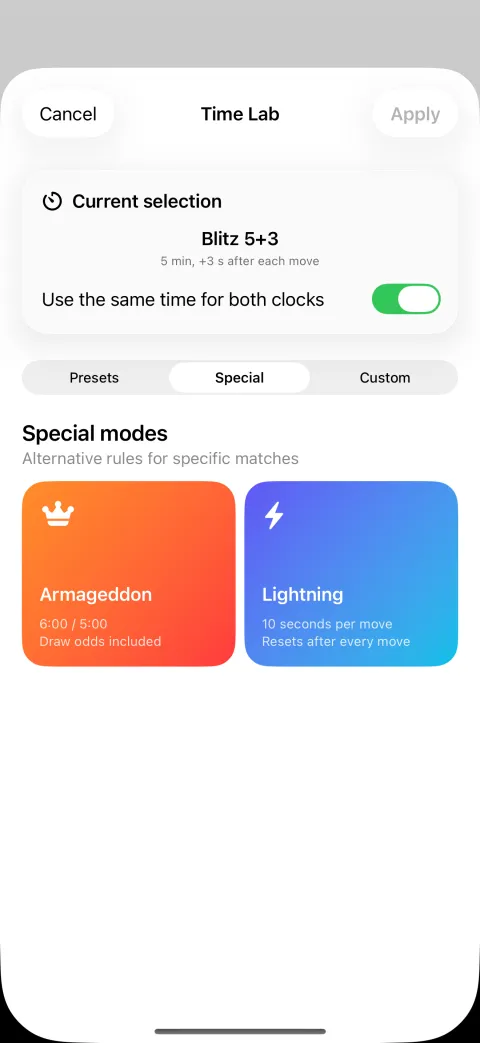
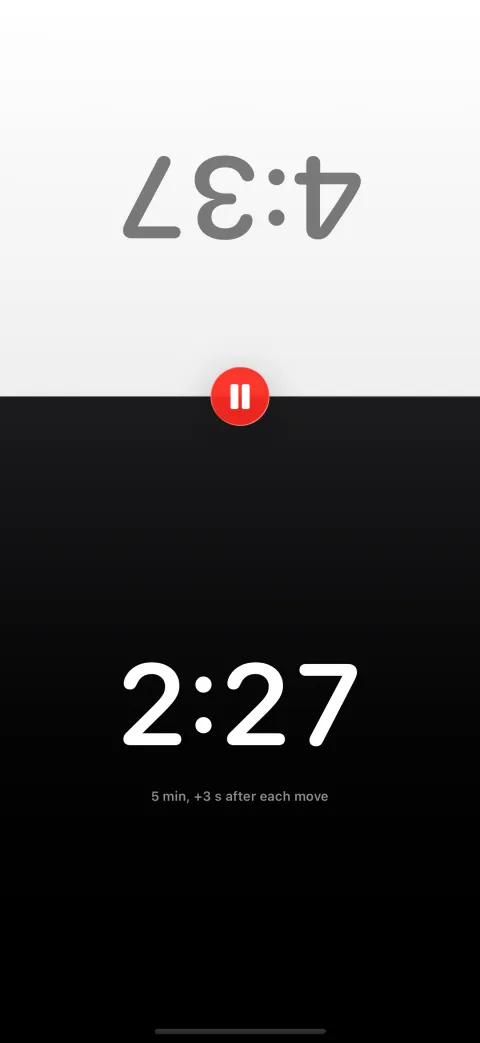
Two players, one iPhone
Split screen with a mirrored opponent side, large digits and one-tap pause. Native SwiftUI, works offline, live on the App Store.

What sets a SwiftUI app apart.
-
One codebase for every Apple device
iPhone, iPad, Mac, Apple Watch and Vision Pro largely share the same Swift code; the system adapts the layout per device.
More on this
SwiftUI is Apple's declarative framework for its platforms: the code describes how the interface should look, the system keeps it up to date. Introduced in 2019, expanded with every OS release since, the recommended path for new apps. The basics are on What is SwiftUI?
-
Always the current Apple look
System fonts, Dark Mode, Dynamic Type and new design languages are adopted by SwiftUI on its own. Your app feels native with every iOS release.
-
Full native speed
A native iOS app in SwiftUI draws directly with Apple's graphics stack, with no web view and no rendering detour. Animations stay fluid, input responds instantly.
-
Deepest OS integration
Widgets, Live Activities, App Clips, Face ID, Apple Pay, HealthKit, CloudKit and Handoff are directly available, without retrofitted plugins.
-
What SwiftUI apps are especially good for
Apple-focused products, sensor-heavy apps with HealthKit, camera, LiDAR or ARKit, apps that need a Mac version, and products built around widgets, Live Activities or chat.
More on this
A SwiftUI desktop app comes from the same codebase as the iPhone app. Messaging with push and a native feel is covered on our SwiftUI chat app page. If your iOS app development must also cover Android, or you have a web team, Flutter or React Native is usually the better choice.
Recognise your project here?
Describe your app idea. You get an assessment of platform choice, feasibility and budget range before you commit to anything.
Try a SwiftUI app: Chess Clock.
 Chess Clock · Blitz Timer
Chess Clock is our own chess timer app, a SwiftUI app with Fischer, Bronstein and delay increments, tournament time controls and Live Activities on the Lock Screen. Works offline, no account required, from one Swift codebase for iPhone, iPad, Mac, Apple Watch, Apple TV and Vision Pro.
 Byoyomi Timer · Go game clock
Our second SwiftUI app: a game clock for Go with Japanese byo-yomi, Canadian overtime, Fischer bonus and more time systems, voice countdown in multiple languages and Live Activities on the Lock Screen. For iPhone and iPad, works fully offline, no account required.
Frequently asked questions about SwiftUI apps.
Can't I just build a SwiftUI app myself with AI?
For a prototype, yes. For an app that passes Apple's review and stays maintainable, rarely. AI produces Swift code but no architecture and no store compliance. We work AI-assisted ourselves, backed by our own SwiftUI apps on the App Store.
What exactly is a SwiftUI app?
An app whose interface is built with Apple's declarative framework SwiftUI in the Swift language. You describe the desired state of the interface and the system keeps it up to date. The app runs fully natively on Apple's platforms.
How much does a SwiftUI app cost?
It depends on scope, from a focused MVP to an app with a backend, widgets and Apple integrations. Since SwiftUI serves Apple devices only, there is no cross-platform overhead; Android may cost extra. You get an itemised estimate after the free first call.
How long does SwiftUI app development take?
Depending on scope, an MVP is often testable within a few weeks; an app with a backend, Watch extension and store launch takes longer. The concept fixes the timeline with milestones.
Does a SwiftUI app also run on Android?
No. SwiftUI covers iPhone, iPad, Mac, Apple Watch, Apple TV and Vision Pro, but not Android. If your users are on Apple devices, native delivers the best performance and integration. If Android is an equal target, we recommend Flutter or React Native.
Can I combine UIKit code with SwiftUI?
Yes. SwiftUI can be adopted step by step alongside Apple's older framework UIKit; both worlds are connected through bridges. Existing iOS apps migrate to SwiftUI gradually without rewriting everything at once.
Your SwiftUI app starts with a conversation.
Describe your idea. We tell you whether a native SwiftUI app is the right solution and what it costs.
Request a SwiftUI app.
Briefly describe your project. An assessment of platform choice, feasibility and effort usually arrives within 24 hours.
We usually reply within 24 hours.
Remote and on site in Germany, Austria and Switzerland. International projects on request.