
Flutter desktop app development: big screen, same codebase.
Flutter desktop app development for Windows and macOS from the same codebase as your mobile app, or as a standalone desktop tool that replaces overgrown Excel solutions.
Windows + macOS
Both desktop worlds from one project, plus iOS and Android if you want them.
True desktop UX
Keyboard shortcuts, context menus, window management and drag & drop, no upscaled phone layout.
Excel successor
A modern replacement for overgrown VBA and Access tools, one of our core competencies.






See for yourself what we build.
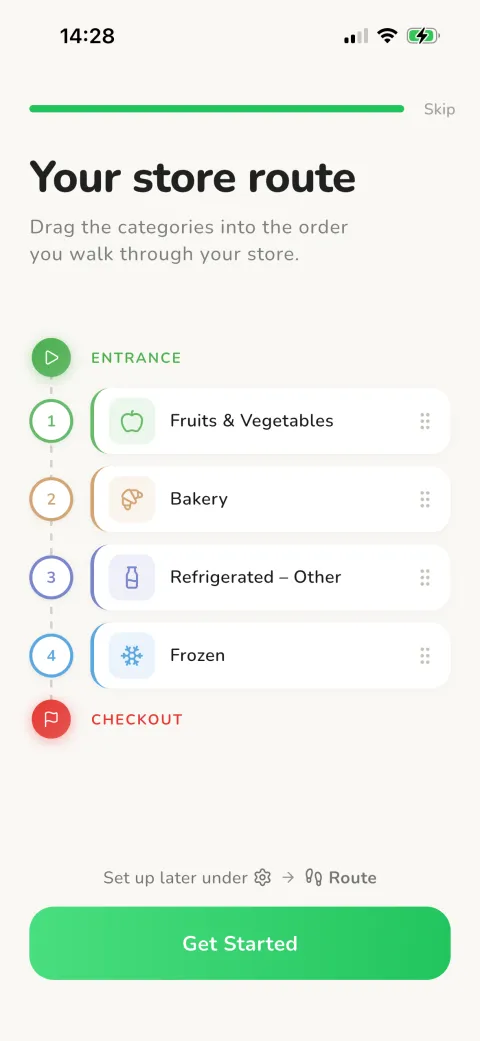
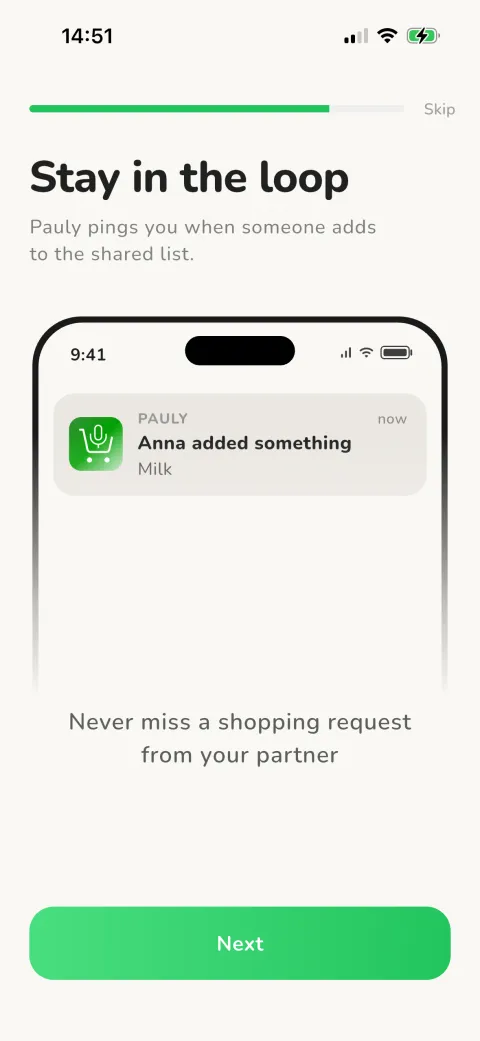
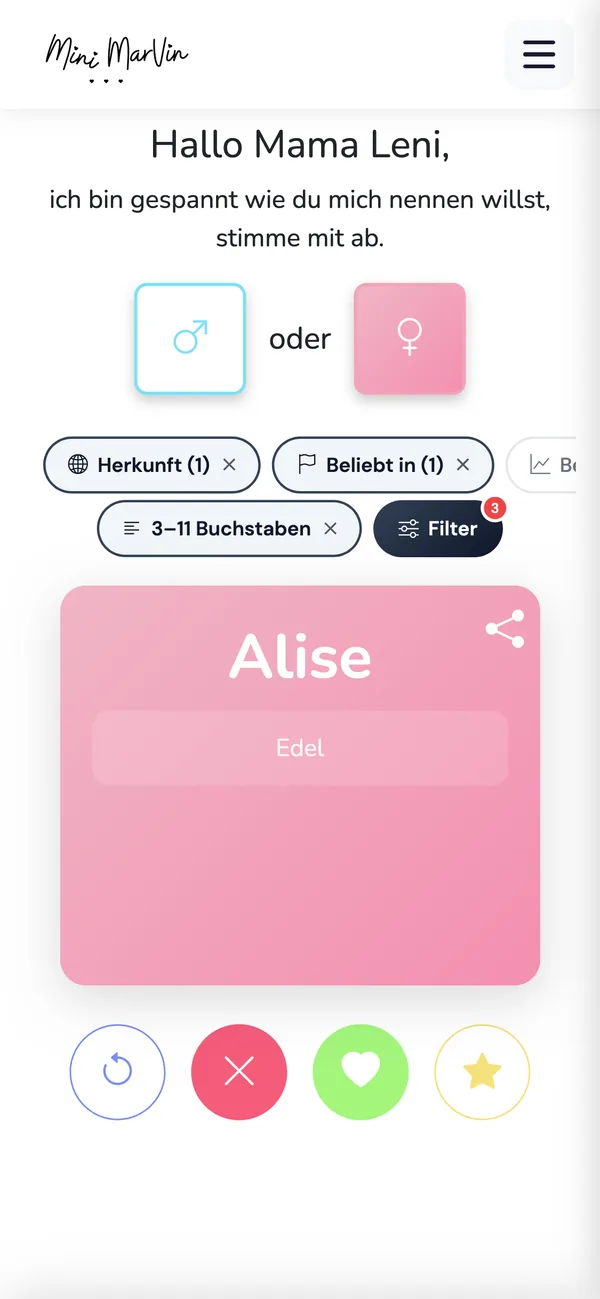
Apps we developed ourselves and run in both stores today.
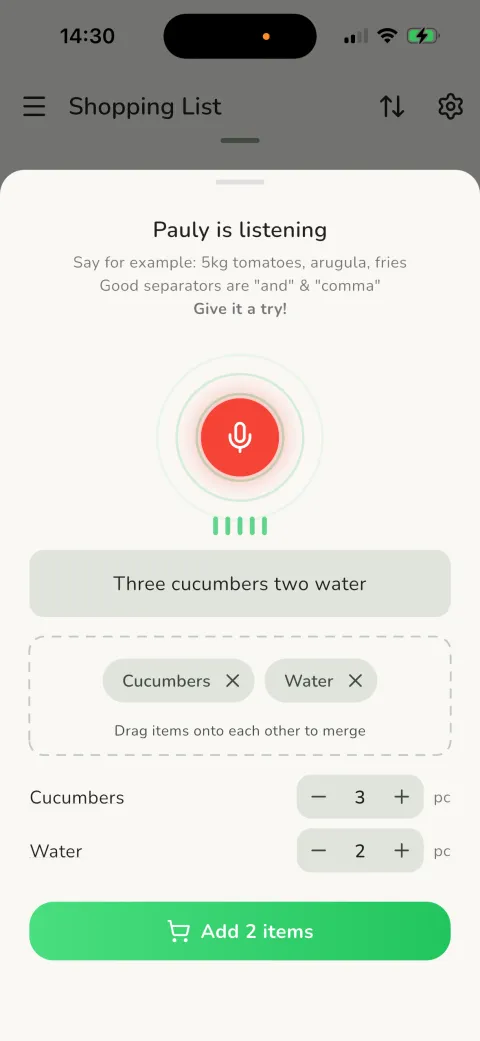
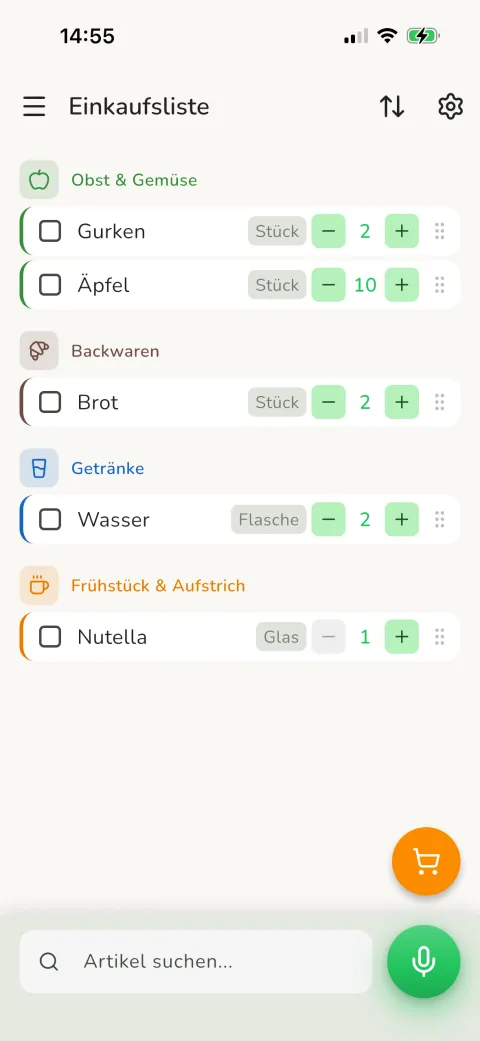
Dictate your list instead of typing
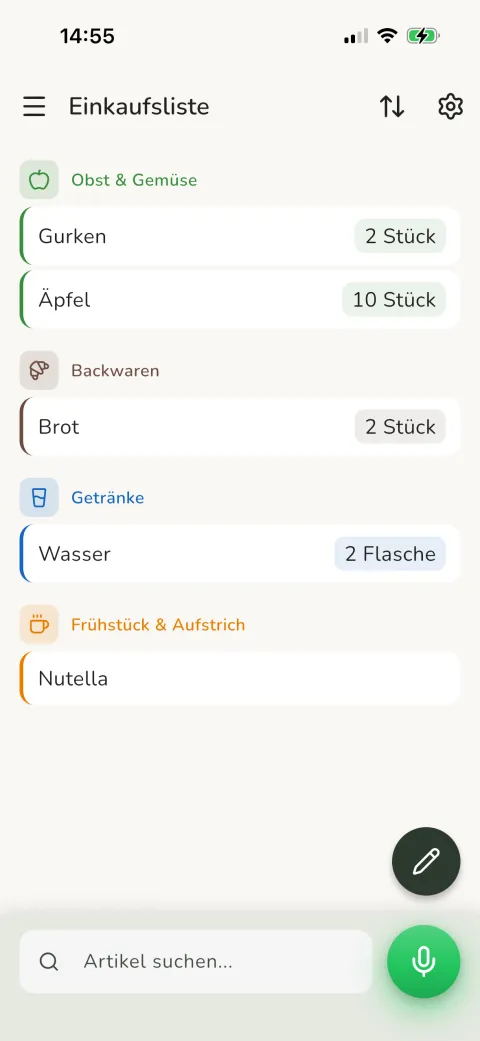
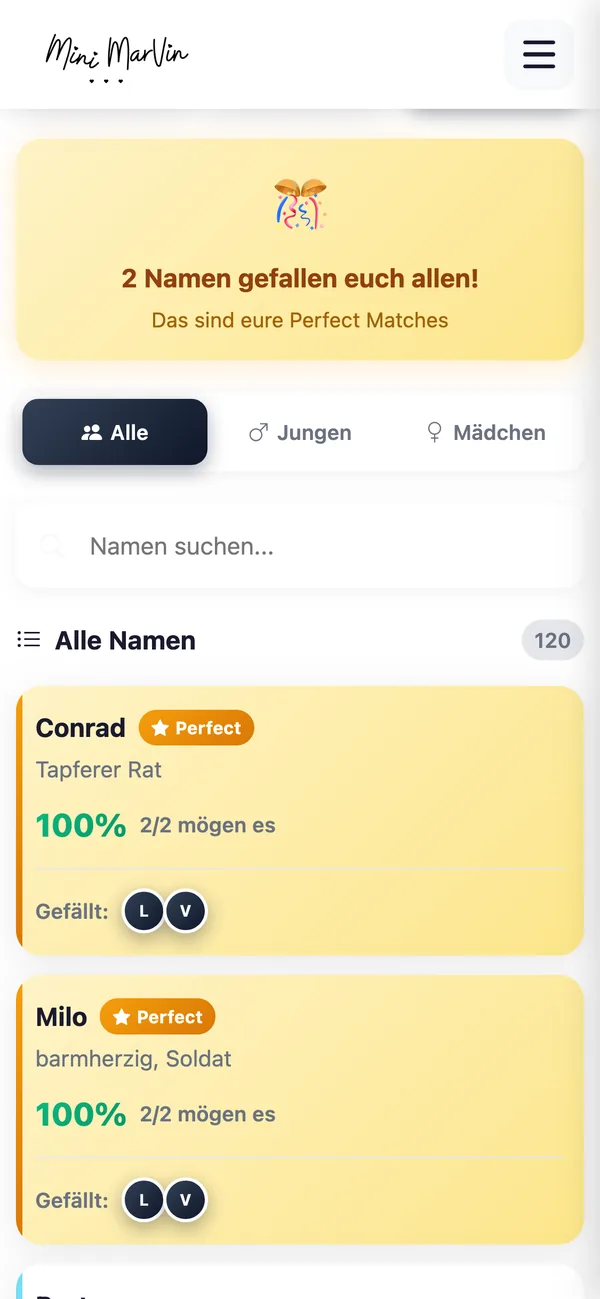
Speak, and the list writes itself: Pauly extracts items and quantities from natural speech. Built from one Flutter codebase for iOS and Android.


What Flutter desktop apps are built for, and why Flutter.
-
Internal line-of-business apps
Planning, costing, order processing: the tools your teams use for hours every day. Every click saved per transaction pays off many times over.
More on this
Dashboards and control centres belong here too: KPIs, monitoring and control on large screens, live from SQL Server, PostgreSQL or REST APIs.
-
Replacing Excel and VBA tools
Overgrown macro solutions become multi-user desktop applications with centralised data and access control.
More on this
The proven business logic stays, the risks of the overgrown macro setup go. Details on our VBA legacy modernisation page.
-
Companion app to a mobile product
The field team captures data on mobile, the back office manages it on desktop: same codebase, same data.
-
Offline tools and kiosk terminals
Desktop tools without a cloud requirement, with local data and optional sync, plus presentation and data-capture terminals for trade shows and kiosks.
More on this
For factory, lab or field-service environments with limited connectivity, we plan offline operation from the start.
-
Why Flutter for the desktop
Windows, macOS, iOS and Android from one project; desktop is a next step. Multi-window, system tray, file system access and native menus are covered.
More on this
Distribution your way: Microsoft Store and Mac App Store, classic installers (MSI/DMG) or MDM rollout. Windows and macOS warn about unsigned applications, so we set up signing and notarisation once.
Too many Excel files in the process?
Or has your mobile app long deserved a desktop workplace? A short call settles what it takes and what it costs.
From requirement to a running desktop app.
Requirements analysis
Workflows, data volumes, interfaces, user roles: the desktop basics first.
UX for the working day
Layouts for productive work: keyboard operation, tables, multi-window, tested with your users.
Development
Short cycles, installable interim builds for your team, integration with your systems.
Rollout and operations
Installer or store, automatic updates, in parallel with the legacy system if needed, then monitoring and support.
Frequently asked questions about Flutter desktop app development.
Can't I just build a desktop app myself with AI?
For a prototype, yes. For a line-of-business application with lots of data, user roles and interfaces, rarely. AI generates Dart code without architecture or a data model. We build every desktop app AI-assisted, with experience from our own store apps.
Is Flutter mature enough for desktop applications?
Yes. Windows and macOS support are stable parts of the framework, and Flutter desktop apps run in production at many companies. Very specific system integrations get native modules, checked before the project.
Can mobile and desktop apps share the same code?
Yes. Business logic, data access and most UI components are shared; only the layouts adapt to screen and input. 80–90% shared code is typical.
How are updates distributed?
Depending on your environment: automatically through the stores, via update mechanisms in the installer, or centrally through your IT management. We settle this in the concept, because it affects build process, signing and testing.
How much does Flutter desktop app development cost?
As an extension of an existing Flutter mobile app, the extra effort is moderate. As a standalone project the feature scope sets the range; after the analysis you get an itemised estimate.
Does Flutter support Linux too?
Yes, Linux is one of the officially supported desktop platforms. In most companies Windows and macOS take priority; Linux workstations get the application from the same codebase.
Desktop power for your processes.
Next step for your mobile app or retirement of an Excel setup: we tell you what it takes and what it costs.
Request a desktop project.
Briefly outline your project. We get back to you with an assessment.
We usually reply within 24 hours.
Remote and on site in Germany, Austria and Switzerland. International projects on request.